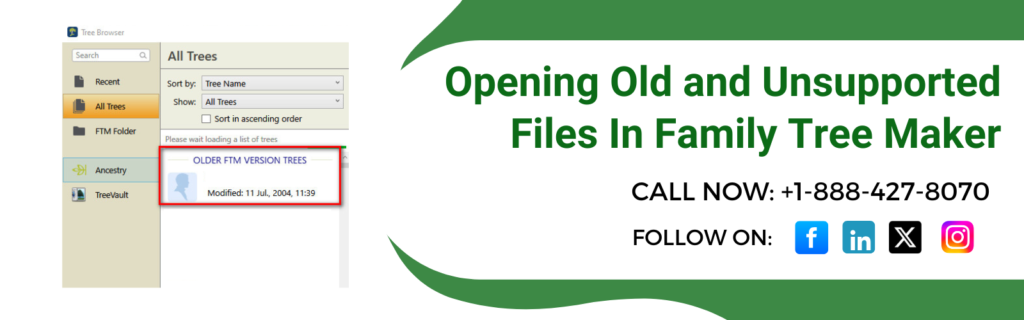
Yes, you can easily open old and unsupported files in Family Tree Maker in versions 2008-2024. But if you create files in Family Tree Maker 1-4 (.FTW, .FBK), .FBC, .AFT and older GEDCOM formats then you need to convert them before opening. This guide will help you understand which types of files need conversion and how to convert them safely. Stay tuned to know further.
Which Old and Unsupported Files in Family Tree Maker Require Conversion?
Family Tree Maker 2008-2024 does not directly provide support for some older file formats. Here are some of the file types that usually require conversion to open:
- use family tree maker 2005 starter edition to convert .FTW and .FBK files created in family tree maker versions 1-4.
- .FBC files
- .AFT files
- Convert GED files created before GEDCOM version 5.5 using family tree maker 2005 starter edition.
Family Tree Maker 2008-2024 Files That Need No Conversion?
If you are converting your files, ensure they are fully supported by Family Tree Maker 2008-2024 for Windows. The following file types can be opened directly:
- FTW and FBK files from Family Tree Maker versions 5-16 (1998-2006).
- Use this edition to convert files created in family tree maker versions 2008 through 2014.1.
- Files which you have created in Family Tree Maker for Mac 3.1
- GEDCOM 5.5 files and newer versions.
Tips To Convert Old And Unsupported Files In Family Tree Maker
If Family Tree Maker 2008-2024 does not support the file format you are using, you can use Family Tree Maker 2005 Starter Edition to convert it.
1: Install Family Tree Maker 2005 starter edition
First, download and install the Family Tree Maker 2025 starter edition from the support page. Rely on Family Tree Maker 2005 starter edition to convert older family tree maker file formats.
2: Convert FTW Files (versions 1-4)
- Open the Family Tree Maker 2005 starter edition.
- Select file>open or open existing.
- Browse to the .FTW file you want to convert, then click open.
- Once you open the file , close the program. Now you can get the converted file which you can open in a newer version of Family Tree Maker.
3: Convert GED, FBC, AFT, and FBK files
- Launch the Family Tree Maker 2005 starter edition.
- Click File> Open or Open Existing.
- Now select the file that you want to convert and click on Open.
- Create a new family file when prompted to complete the conversion process.
4: Open the converted file
Save the converted file and close family tree maker 2005 starter edition after the conversion is complete. After this, you can open the converted file in your current version of Family Tree Maker.
Conclusion!
If you are aware of the file type , you can easily open old and unsupported Family Tree Maker files. Most of the files from versions 5-16 can be open directly in Family Tree Maker 2008-2024, but the older formats require a conversion step using Family Tree Maker 2005 Starter Edition. Do have a backup before converting files in order to protect your genealogy research. If you need any further assistance, our Family Tree Maker specialists can help with installation, backup restoration, media recovery, and Ancestry synchronization.
📞 Call Family Tree Maker Support: +1-888-427-8070
💬 Live Chat with a Family Tree Maker Expert
Frequently Asked Questions!
Yes. Family Tree Maker 2024 can open FTW files created in versions 5–16 directly. FTW files from versions 1–4 must first be converted using Family Tree Maker 2005 Starter Edition.
Yes. FBK files from versions 5–16 can be imported directly. Earlier versions require conversion.
The recommended method is using Family Tree Maker 2005 Starter Edition before importing the file into a newer version.
Yes. GEDCOM 5.5 and newer files can be imported directly.
Also Read: