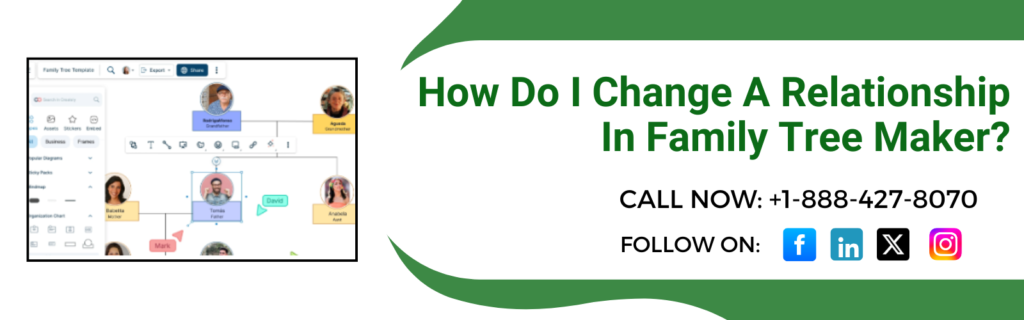
A family tree maker shows the default relationship status for a couple as “spouse.” Although it is the only option that is available as a reflection for a couple’s relationship , it is not either an accurate reflection for a couple’s relationship. If you want to change a relationship in a family tree maker, you can modify the type and status of the relationship for couples. Even after creating a relationship within a family tree maker, still you can modify the type and status of the relationship for couples or type and preferred status for parent child relationships.
How To Choose a Parent-Child Relationship And Change A Relationship In Family Tree Maker
- Click on the people workspace.
- To change the relationship of the child, select it in the pedigree view
- Click on the person tab right next to the tree tab
- Click on the relationship button
- Now, click on the father’s or mother’s name
- Pick up the relationship from the relationship drop-down list within the editing pool
- If a child has multiple parents, navigate to the preferred parents, click Change, select the correct parents, and click ok.
Choose The Right Relationship Type For A Couple And Change A Relationship In Family Tree Maker
- Select the couple from the family group view
- Click on the person tab
- Click on relationships
- Select the name of the spouse
- Choose the relationship type from the drop-down list
How To Choose The Right Status For A Couple’s Relationship?
- Click on the people workspace and open it
- Now select the couple in the family group view
- Click on the person tab
- Click on the relationships
- Select the name of the spouse
- Now select the status from the status drop-down.
Conclusion!
With Family Tree Maker, it’s easy to manage and correct relationships in your family tree. Whether you are looking for insight into a couple’s relationship type or status, or just need insight into parent-child connections, this software offers simple, easy-to-use editing options via the people workspace and relationship panel. So, by following a few steps, you can ensure accuracy in your relationship, allowing you to maintain a clear and organized family history. For further queries, you can contact Family Tree Support via live chat.